Lock selected apps
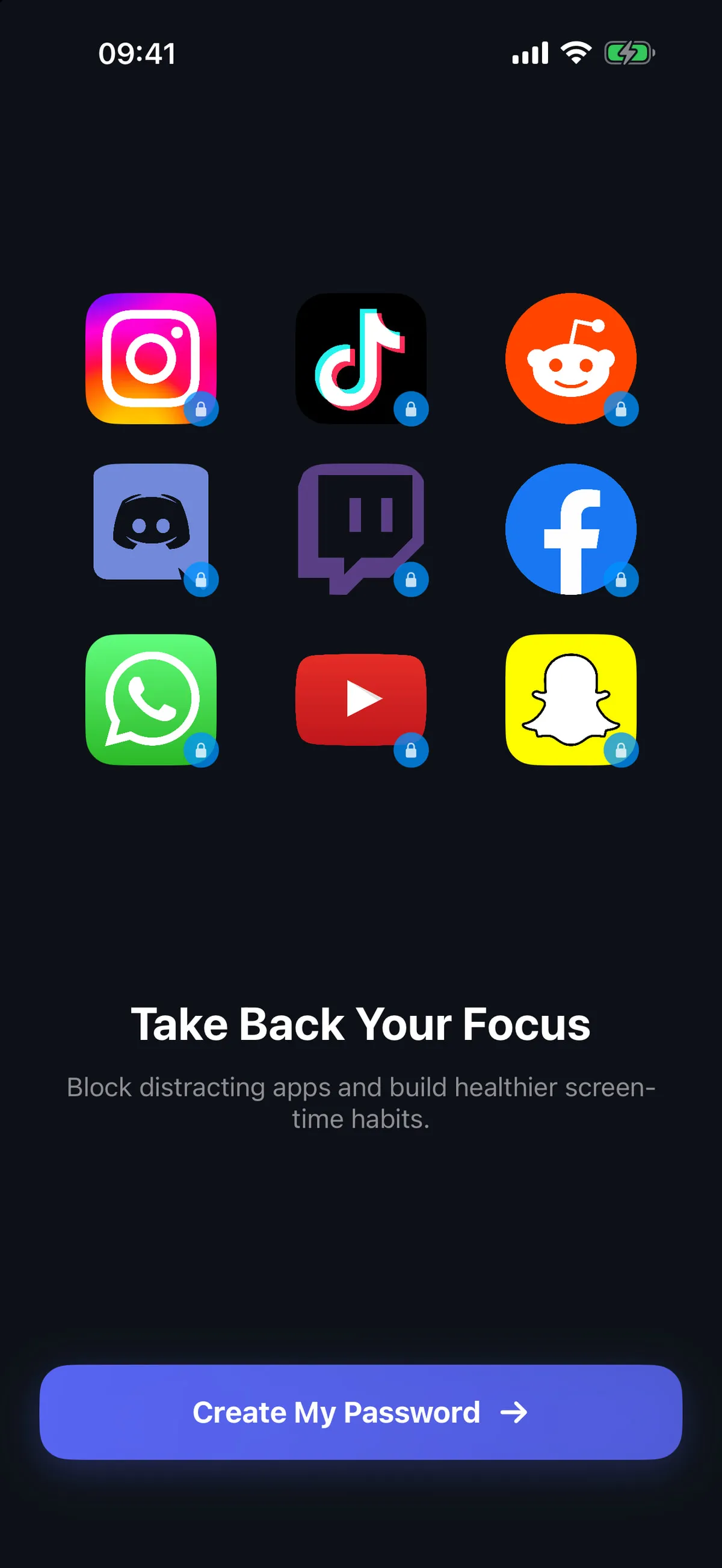
Choose the apps you want to protect and manage that selection from AppLocker’s Locked Apps area.
 AppLocker Get the app
 A calmer way to control app access
Protect selected apps with Face ID, Touch ID, or PIN. Use DeepFocus sessions and schedules to make room for study, work, or bedtime.
Get AppLocker on the App StoreFor iPhone • iOS 16+ • In-app purchases and subscriptions
Tools for intentional screen time
Manage the apps you select, start a quick focus session, and build repeatable blocks around your routine.
Choose the apps you want to protect and manage that selection from AppLocker’s Locked Apps area.
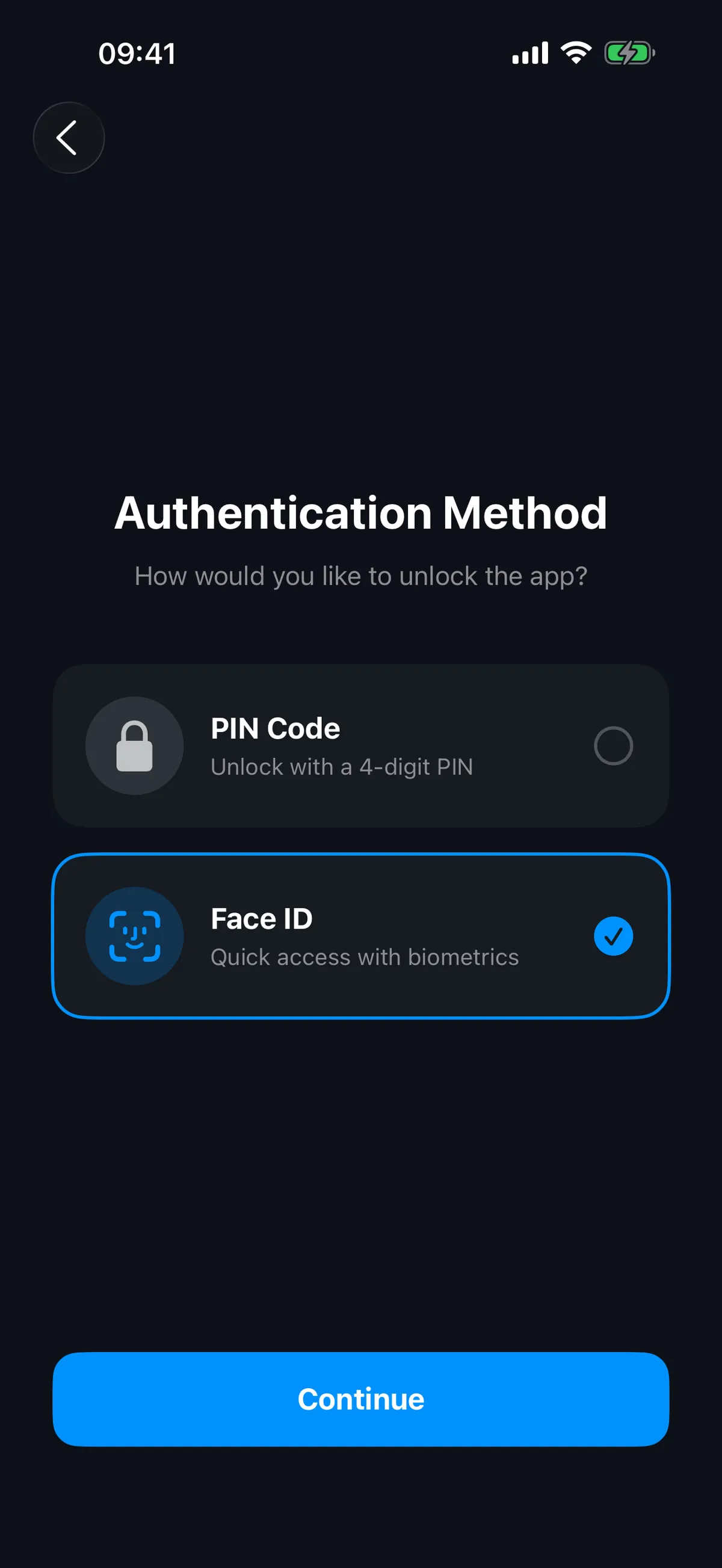
Set an available authentication method for protected-app access. Biometric options depend on your iPhone and its settings.
Start an instant focus session when you want a clear, time-limited break from selected apps.
Plan app blocking around study, work, bedtime, or another routine that matters to you.
Review restrictions for apps and new installs when you are setting up a device for a child or family member.
Start in a few clear steps
Follow the in-app setup to grant the Screen Time permission AppLocker needs for its app restrictions.
Choose which apps you want to protect; AppLocker works from your selected list.
Choose an available Face ID, Touch ID, or PIN option, then confirm how access should be authenticated.
Use DeepFocus immediately or create a schedule for study, work, bedtime, or another focus period.
A look inside AppLocker
Current AppLocker screens captured from the app. The interface can vary by app version, iPhone model, and system settings.
Good to know
AppLocker helps you restrict access to selected apps on iPhone. Depending on your setup, you can authenticate with Face ID, Touch ID, or a PIN, start DeepFocus sessions, create schedules, and manage restrictions for apps and new installs.
The app uses Apple’s Screen Time controls to apply the app restrictions and schedules you configure. Follow the in-app permission flow, and review the official app policy for the app’s data practices.
AppLocker is built around a selected-app list. Which apps are available to select can depend on iOS and the device, so check the list shown in the app rather than assuming every app is supported.
The available options depend on the compatible iPhone, its biometric hardware, and your system settings. AppLocker cannot add biometric hardware that your device does not provide.
DeepFocus starts an immediate focus session. Schedules let you plan recurring blocking periods for routines such as study, work, or bedtime. The exact controls are shown in the current app version.
This static website has no accounts, forms, uploads, cookies, analytics, runtime JavaScript, or payments. The iPhone app is separate; its official privacy policy describes device-stored PIN, app identity, and Screen Time records, pseudonymous Mixpanel analytics, and RevenueCat subscription handling. Read the official app policy from the Website privacy page.
Email AppLocker support at ahmetbugrakacdi@gmail.com for Screen Time permission, PIN, Locked Apps, and common-issue guidance.
AppLocker may offer in-app purchases and subscriptions. Current plans, prices, billing, and availability are shown by the App Store and inside the app; this website does not sell or process them.
Choose the apps that matter, set a boundary that fits your routine, and explore AppLocker on iPhone.
Explore AppLocker on the App Store